
Why label mistakes cost more than a reprint
When a label is hard to read, too busy or badly sized, the product can look cheaper than it is. In shops across Randfontein, Krugersdorp and Roodepoort, the first thing a buyer sees is the label, not the hours that went into making the product. If the wording is crowded, the colours clash, or the adhesive fails in a humid storeroom, the product loses shelf appeal straight away.
Small businesses often try to squeeze too much onto one sticker. That can include a logo, ingredients, batch codes, usage instructions, a barcode and a sales message all in one small space. The result is usually a label that is hard to scan and even harder to read from a normal shelf distance. Good label design starts with asking what the customer needs to see first, and what can be moved to a side panel or a second size.
- Keep the main product name readable from arm’s length.
- Leave enough quiet space around the key message.
- Match the label size to the container, not the artwork file.
Common artwork errors that spoil readability
One of the biggest mistakes is using text that is too small. What looks fine on a computer screen can disappear once it is printed at label size. Thin fonts can also break up on small packaging, especially if the print run is short and the artwork is not prepared correctly. A second common issue is low contrast. Pale text on a light background may look stylish in a proof, but in a real shop it can be impossible to read under bright lights or through a plastic sleeve.
Colour choice matters too. Some brands use too many tones, gradients or patterned backgrounds and the important details get lost. If a label needs to explain a flavour, size or usage method, the eye should find that information quickly. This is even more important for products sold in busy township spaza shops or in the West Rand market stalls where customers make fast buying decisions.
- Avoid script fonts for key information.
- Do not place text over busy images unless contrast is tested properly.
- Check spelling, punctuation and spacing before print approval.
Sizing and shape mistakes on bottles, jars and packets
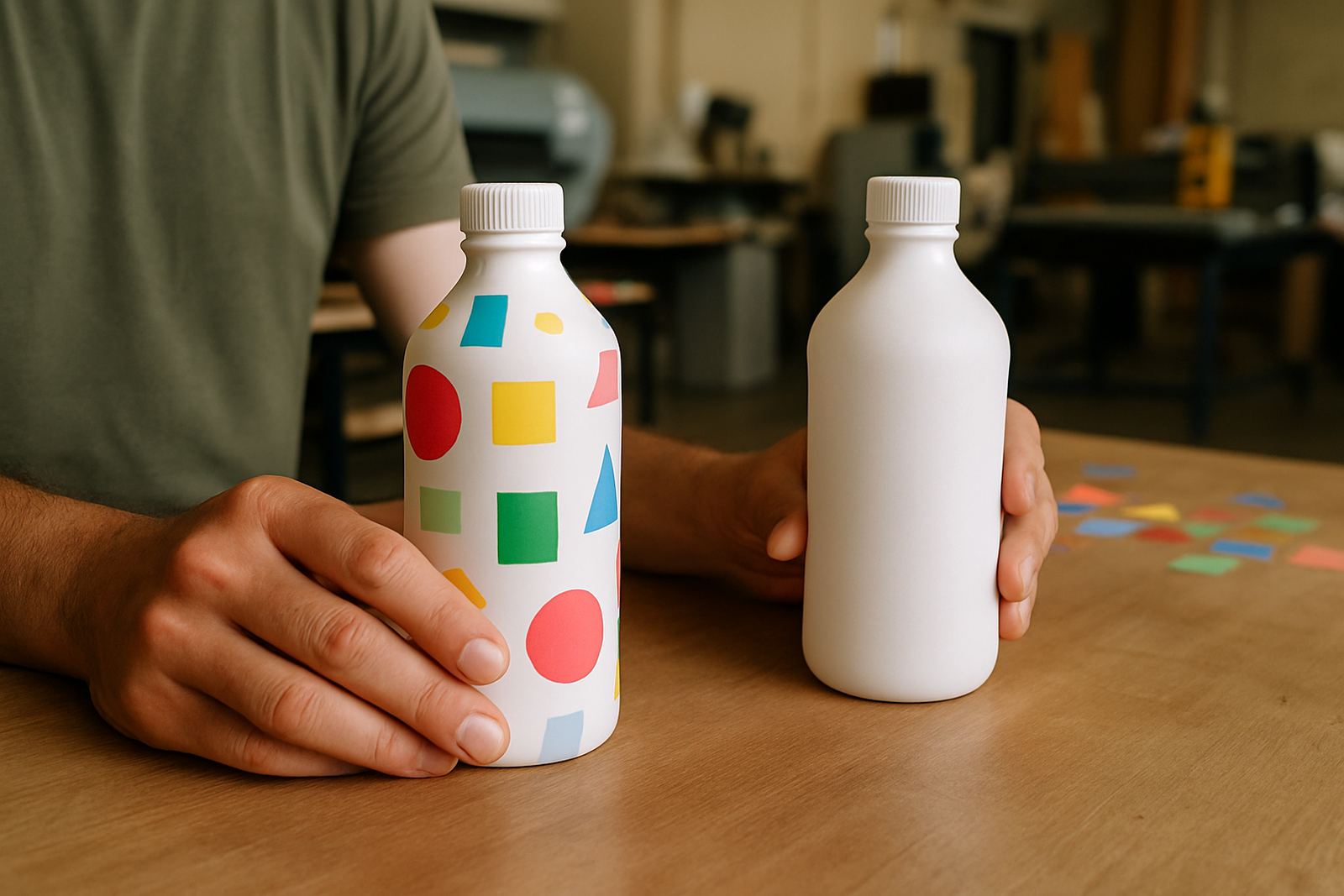
Labels fail when they are designed flat but used on curved or irregular packaging. A label that looks perfect on a screen may lift at the corners or wrap badly around a bottle. On jars, the front panel can be too narrow for long product names. On packets, the seal area may cut through important text. These are practical problems, not just design preferences.
In Randfontein CBD we often see products that need a quick artwork redraw because the label was built without real measurements. A label for a 500 ml bottle is not the same as one for a 1 litre container, and a sachet used for sauces or cleaning products has different space limits again. Good artwork should include bleed, safe margins and correct sizing for the packaging shape. If a label is meant for refrigeration or handling in warm storerooms, the material choice matters as much as the layout.
- Measure the actual container before artwork begins.
- Leave space for seals, curves and barcode placement.
- Ask for proofing updates before the final run if the packaging changes.
Compliance details that get left out
Another frequent mistake is forgetting the practical information that customers and suppliers expect. Depending on the product, that can include ingredients, directions, batch numbers, expiry dates, net content and storage instructions. If these details are missing or hidden in tiny print, the label can cause trouble later on. For food and personal care products, incomplete information can also create problems with retailers and municipal checks.
Businesses working from Westonaria, Mogale City or Greenhills sometimes want the label to look clean and minimal, which is fine, but the legal and product details still need space. A clean label is not the same as an empty one. The trick is to arrange information in a simple order so the buyer can find what matters without hunting around the pack.
- Build one layout for the front and one for the detail panel if needed.
- Keep batch and expiry spaces clear for later marking.
- Confirm which details must appear before print approval.
Why local conditions change label performance
West Rand businesses deal with practical conditions that affect print quality. A label used in a bakery near Roodepoort faces heat and oil. A product stored in a cold room or transported through damp weather may need stronger adhesive. In summer, dust and handling can also affect how a label looks once it is stuck down. If the label stock is wrong, the print can scuff, curl or fade faster than expected.
Load-shedding adds another layer of planning. When a business depends on quick restocking, it helps to have print-ready artwork that can move through production without delays. That is why many customers ask for same-day digital print on smaller runs, test labels or urgent replacement stickers. The artwork must be clean enough to print once and fit properly, because there is less room for error when stock is needed quickly. A reprint costs time and money nobody wants to lose.
- Choose materials that suit heat, moisture or handling.
- Test the label on the actual product before a full run.
- Keep a final print-ready file ready for urgent reorders.
How a cleaner label helps sell the product
A strong label does not shout at the customer, it guides them. It tells them what the product is, why it matters and what to do next. When the layout is balanced, the wording is clear and the sizing is right, the product feels more trustworthy on shelf. That matters whether you are selling homemade sauces, cleaning products, candles or boxed goods from a local workshop.
At @Print in the Randfontein CBD, label work often starts with artwork redraws, proofing updates and a discussion about where the product will be sold. A label for Mohlakeng spaza trade may need different handling from one for a small Roodepoort distributor. The detail is in the setup: correct measurements, readable type, enough contrast and a finish that suits the item. Get those basics right and the label works harder for your product, simple as that.
If your current label is crowded, curling or hard to read, it may not be the print run that is the problem. It may be the artwork itself. Fixing that early saves a lot of waste later on.