
What cut lines do on a sticker sheet
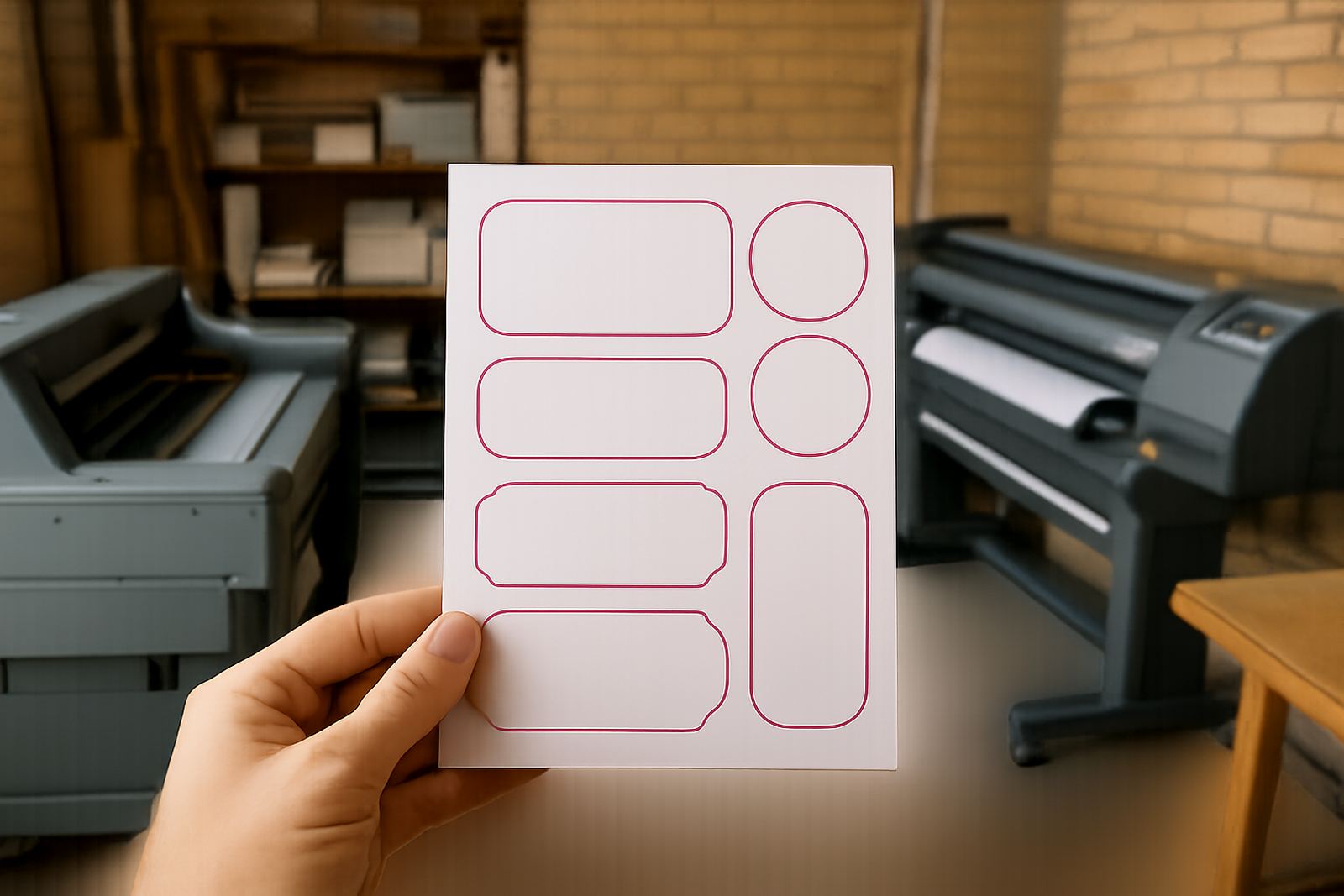
Cut lines are the paths that guide the cutter around each sticker or label. For square, round, oval, or custom shapes, the cut path has to sit in the right place so every piece is trimmed cleanly without clipping into the printed artwork.
In practice, this means your design must allow for a small border around the artwork and enough space between repeated stickers. If the cut line is too close, the blade can nick the print. If it is too far out, you end up with an uneven edge and more white border than planned.
- Use one cut line per sticker shape.
- Keep all text and logos inside the safe area.
- Leave extra room for rounded corners and complex shapes.
Spacing rules that help the cutter work cleanly
Spacing between cut lines is one of the most important parts of sticker setup. On a sheet of repeated labels, the cutter needs enough gap to move between each shape without overcutting. Tight spacing can cause lifting at the edges, while generous spacing makes weeding and trimming easier.
For most short-run digital sticker jobs, we look at both the size of the sticker and the type of material. A small round label for a product jar needs less gap than a large shaped sticker for a courier parcel, but both still need breathing room.
- Keep a consistent gap between repeated cut paths.
- Avoid placing cut lines too near busy text or fine detail.
- Allow enough border for slight machine movement during cutting.
Choosing between kiss cuts and full cuts
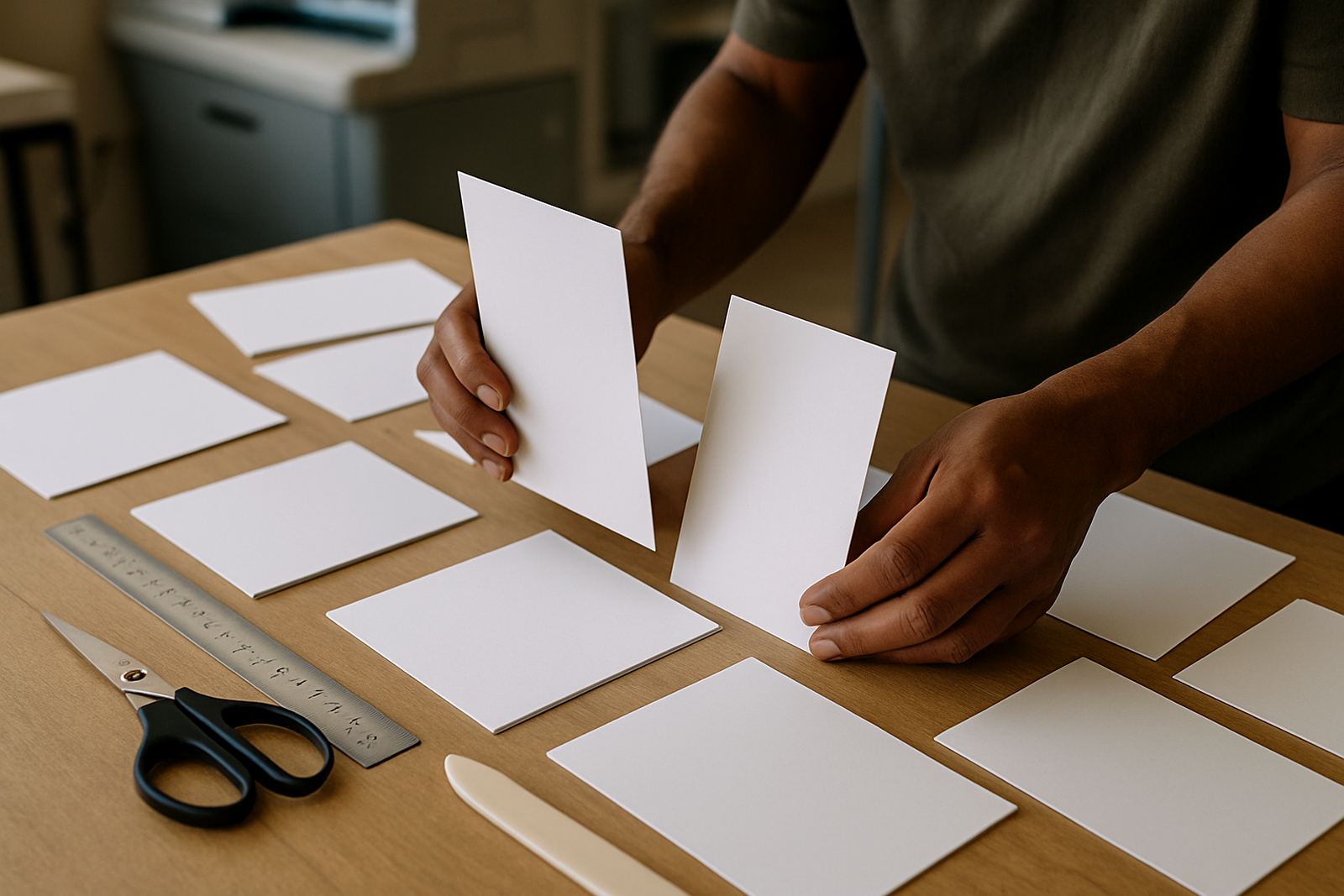
Kiss cuts only cut through the top sticker layer and leave the backing intact. That is ideal for sticker sheets, product labels, and sets of branded stickers that need to stay in place until peeled off. Full cuts go right through the backing as well, which suits single stickers, packaging seals, or loose individual pieces.
The right choice depends on how the sticker will be used. A shop in Krugersdorp may want kiss cut sheets for counter use, while a Westonaria contractor might need full-cut safety decals for tool cases and site gear. The cut style changes how the sticker is handled, stored, and applied.
- Kiss cut for sheets and easy peel labels.
- Full cut for single loose stickers.
- Match the cut style to the final application, not just the shape.
Artwork setup before proofing starts
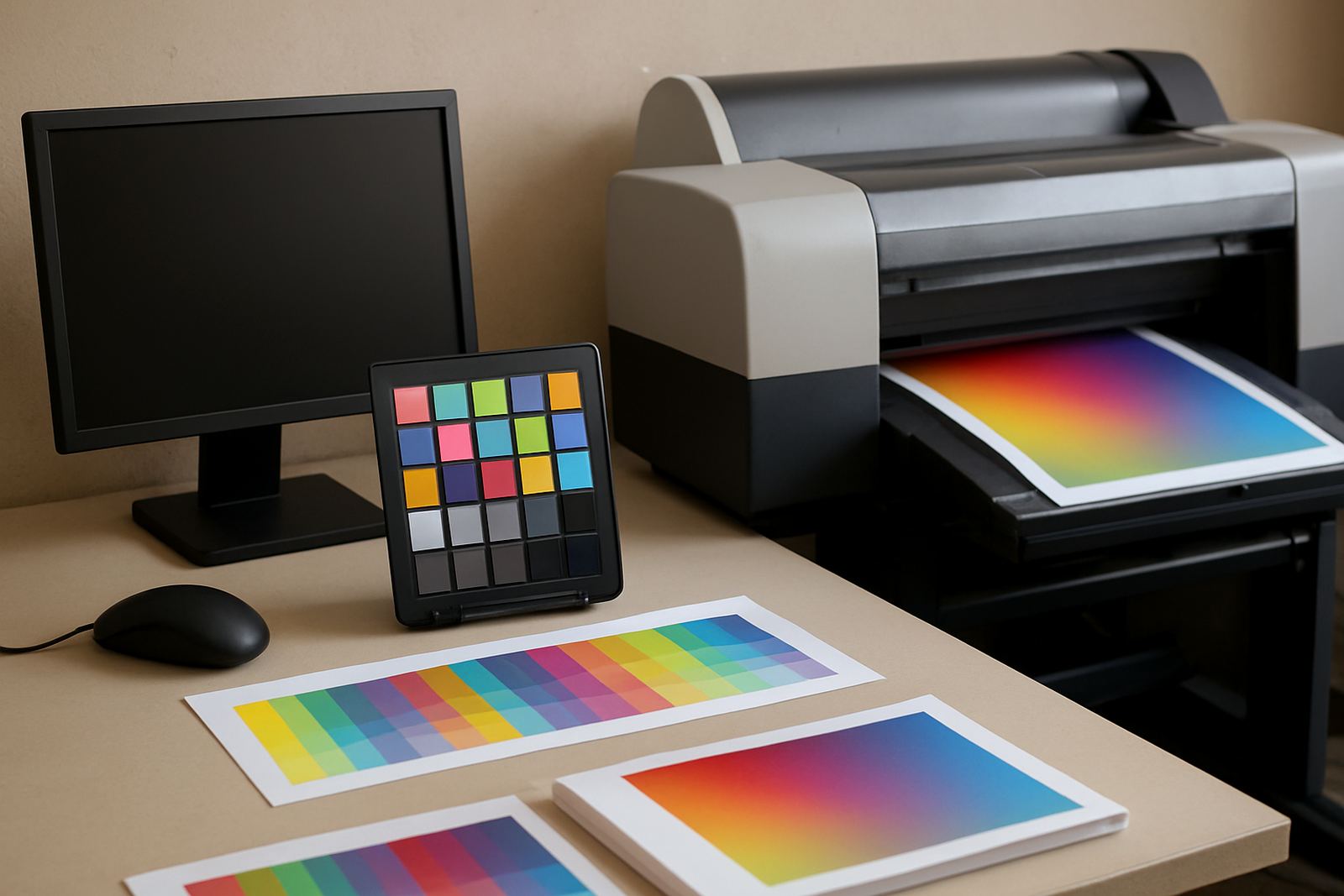
Before proofing, the artwork should already show a clean outline for the cut path and a separate layer for print. That keeps the shape clear for production and avoids guesswork when the file is prepared for print ready artwork. A simple layout is often better than trying to force a complex shape into a tight space.
We also check that small lettering, thin borders and tiny icons will survive the cut. On stickers with bright colours or dark backgrounds, a narrow border can vanish once trimmed, so the design needs to be planned with the final edge in mind, not just the artwork itself.
- Separate print artwork from the cut line.
- Keep small type away from the edge.
- Check that corner details wont disappear after cutting.
Materials, finish and weather on the West Rand
Sticker performance changes with the material and finish you choose. A matte label may suit indoor packaging, while a gloss sticker can handle more handling on boxes, windows, or product tubs. For sites around Randfontein, Mogale City and Roodepoort, dust and sun exposure also matter, especially where stickers go on vehicles, machinery, or exterior signage.
Load-shedding can interrupt longer production runs, so a good cut file helps us keep the workflow moving when power windows are short. On humid days or in coastal import stock, adhesive behaviour can shift slightly, so the finish and backing must be checked carefully before large quantities go out.
- Choose the finish for where the sticker will live.
- Ask for durable stock if the item gets handled often.
- Store stickers flat and dry before use.
Checklist for a clean sticker print order
A tidy sticker file saves time and reduces rework. Whether you need labels for retail, school events, packaging, or site marking, the same checks apply. If the cut path, spacing, and artwork borders are set properly, your order moves through production with fewer delays and better consistency.
Our team at the Randfontein CBD base checks each job before it goes to print. Lerato Ndlovu looks after production flow, Willem van Zyl handles print quality, Anele Dlamini prepares artwork, Bianca Naidoo manages client queries, Kagiso Molefe oversees finishing, and Megan Botha helps with order details for businesses across the West Rand.
- Confirm the final sticker size and shape.
- Check that the cut line is closed and continuous.
- Leave enough spacing between repeat stickers.
- Approve the proof before production starts.
When to ask for artwork help
Some sticker jobs are straightforward, but others need redraws, spacing adjustments or layout work before they are ready. If you have a logo that was copied from a photo, a hand-drawn sketch, or an old file with no cut outline, it is worth getting the artwork cleaned up first. That helps avoid rough edges and uneven trimming.
We handle sticker design, artwork redraws, proofing updates and print ready artwork for clients in Randfontein, Krugersdorp, Westonaria, Mogale City and Roodepoort. If the shape is unusual or the quantity is large, it is better to sort the cut path now than fix problems after print. A small adjustment at setup can save a full rerun later.