
Start with the reason behind the price change
Before a single price is changed, decide why the menu needs updating. Some businesses are reacting to supplier increases, others are correcting old prices that no longer match the true cost of a dish. In Randfontein and across the West Rand, food businesses are also dealing with power interruptions, fuel costs and wastage from stock that must be kept moving. A good menu update is not only about putting new numbers on paper, it is about protecting margin without losing trust.
Write down which items are being changed and why. That gives the owner, manager and printer the same brief, so no one is guessing. It also helps when you are updating a limited menu for takeaway, sit down service or catering packs.
- List the items affected and the old and new prices
- Separate drinks, mains, sides and specials
- Check whether portion sizes must change as well
- Confirm if tax inclusive pricing is being used across all menus
Keep your menu structure simple enough to update fast
Menus that are over-designed become a problem every time prices change. If every item sits in a different box or text style, the update takes longer and mistakes are easier to miss. A simple structure lets you swap prices quickly and keep the layout readable at the till, at the counter and on printed takeout sheets.
Many food businesses in Mogale City, Roodepoort and Westonaria use a main menu, a shorter lunch menu and a specials insert. That approach works well because the base menu stays stable while the changing items are handled separately. For busy kitchens, that means less confusion during peak trade.
- Use one clear price column for all food items
- Keep section headings consistent across the menu
- Leave space for seasonal items and daily specials
- Avoid squeezing too much text into one page
Plan the update around trading hours and staff briefing
Pricing changes should not happen in the middle of a lunch rush. Pick a quiet window, lock the new menu version and brief the team before the first customer sees it. Waiters, cashiers and kitchen staff need to know which items are no longer available, which prices changed and whether any combo meals have been adjusted.
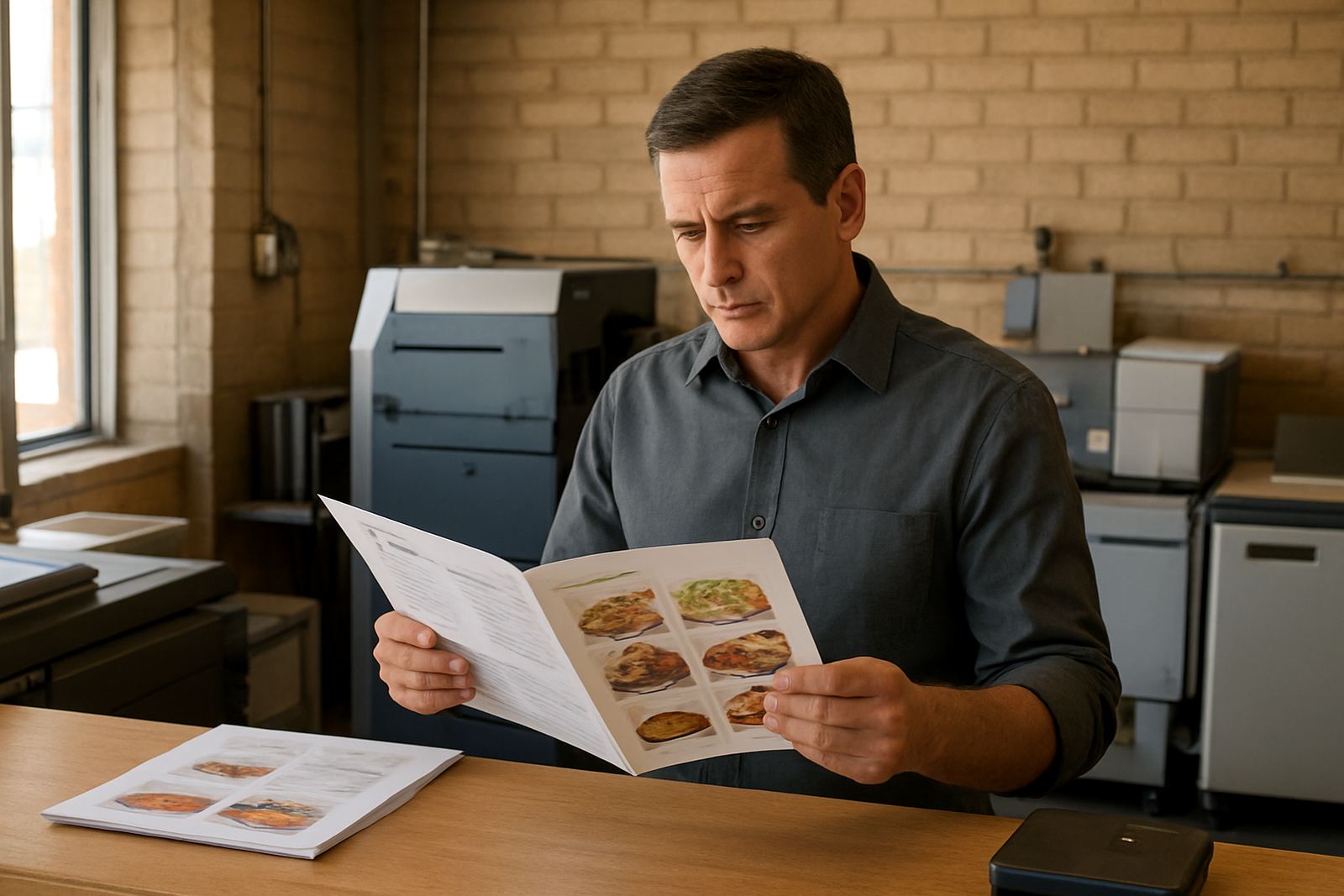
This is where many businesses lose time. If the printed menu says one thing, the takeaway sheet says another and the till system is not updated yet, service slows down and customers ask for explanations. A short staff huddle and one final proof can prevent that.
- Set a changeover time, such as after close or before opening
- Update printed menus, counter cards and specials boards together
- Replace old copies so they are not used by mistake
- Give staff a simple list of the changed items
Use print formats that suit the pace of the business
Different food businesses need different menu formats. A takeaway shop in Mohlakeng may need durable counter menus and laminated price lists that can handle daily handling. A sit down restaurant in the Randfontein CBD may need table menus with a more polished finish. If you run a school tuck shop, canteen or small café, a compact menu with clear item names and bold prices is often the best choice.
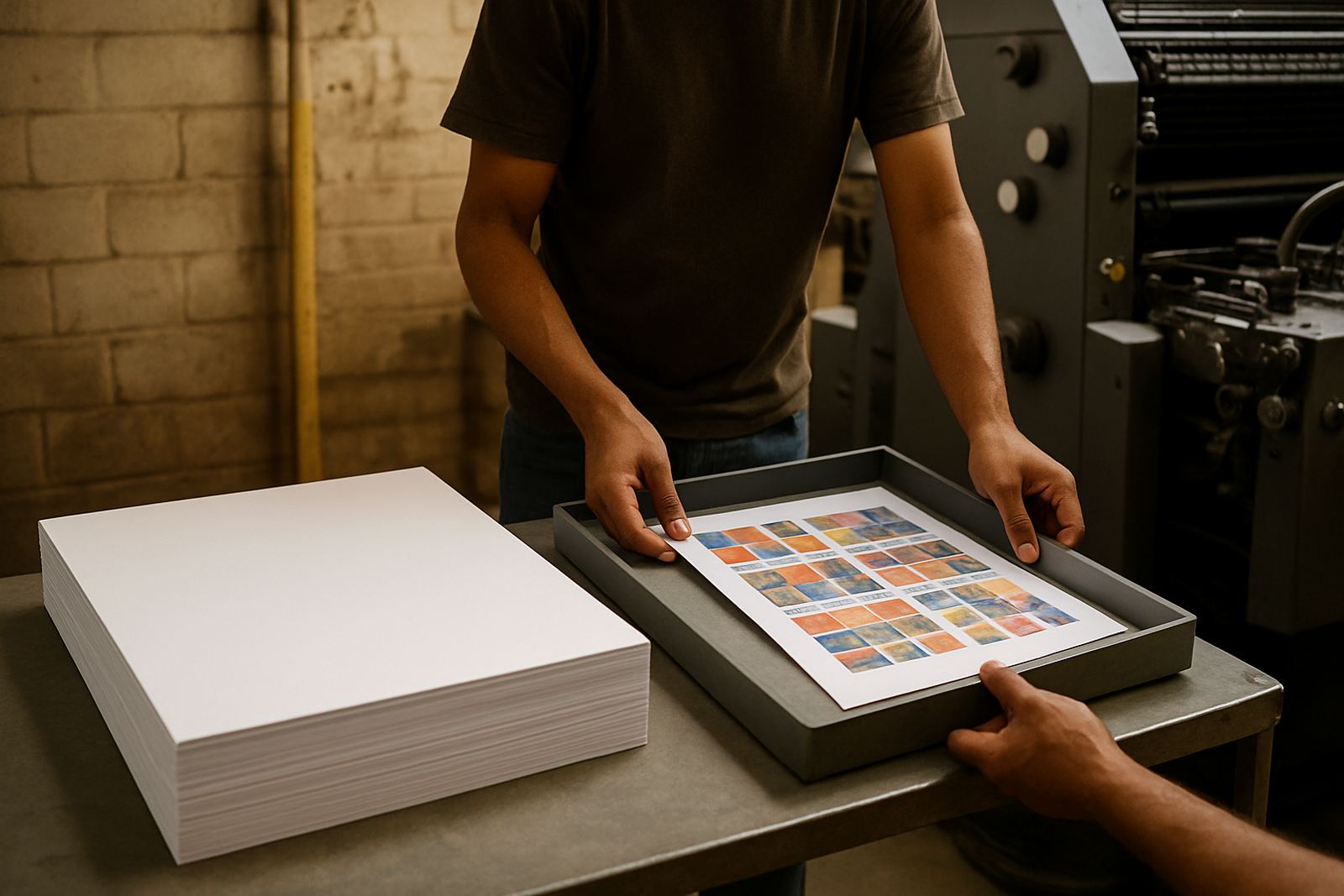
At @Print, menu layout, proofing updates and print ready artwork are all handled with quick turnaround in mind. That is useful when a business needs same-day changes for a weekend function, a new specials page or a price correction after a supplier increase. Banners and stickers can also support the update when a new item needs a simple promo at the counter.
- Short-run digital print for urgent menu changes
- Flyers for specials, combo deals and new products
- Stickers for price labels, notices and packaging
- Banners for launches, holiday trade and front-of-shop promotion
Protect the customer experience while prices move
Customers accept price increases more easily when the menu still feels clear and fair. The main thing is not to spring a change on them without explanation. If a favourite meal has moved up in price, keep the wording clean and the portion description honest. A customer is usually more forgiving when the presentation is tidy and the service stays steady.
A good local example is a family restaurant in Krugersdorp that needs to update breakfast and lunch pricing after a supplier increase. Instead of reprinting the entire menu twice in one month, the owner can issue a revised core menu and a small specials insert for the high movement items. That keeps the service flowing and avoids confusion at the table.
- Use one version of the truth across all printed material
- Keep item descriptions plain and accurate
- Make sure specials match what the kitchen can actually produce
- Check that takeaway packs, menus and posters all agree
Build a repeatable update cycle that saves time
Menu updates work best when they happen on a schedule. Many food businesses review pricing monthly or every quarter, then make smaller changes when supplier costs shift sharply. That way the owner is not scrambling each time maize meal, meat, oil or packaging goes up. It also means the next print run is already planned, so the business is not caught with a box of old menus in the storeroom.
If you are operating from Randfontein, Greenhills or Toekomsrus, use the same update routine for every branch or trading point. Keep one master file, one proofing process and one person responsible for sign off. Bianca, Lerato or any of the team on the client side should know exactly who must approve the final version before print.
- Review the menu on a set date each month or quarter
- Track the items that move most often in price
- Keep a master copy of the current menu artwork
- Store old versions separately so they are not reused
When a printed menu needs more than a price change
Sometimes a menu update is not just a number swap. A business may need artwork redrawn, a logo refresh, a new brochure layout for catering, or a cleaner form design for orders and bookings. In those cases, the update should still stay practical. The goal is to make the menu easier to read, easier to print and easier to use at service time.
For food businesses in Mogale City, Roodepoort and Westonaria, that means working with a print partner that understands local trading conditions and fast turnarounds. Load-shedding, weather damage and heavy daily use can all affect the final result, so good artwork and proper proofing matter. A menu is only useful if it survives real service, not just a neat image on screen.
When pricing changes are handled properly, the business keeps moving. The kitchen does not stop, the front counter stays calm and customers get a clear picture of what they are paying for. That is the real value of a solid menu update strategy.