
Why your screen and your print do not speak the same language
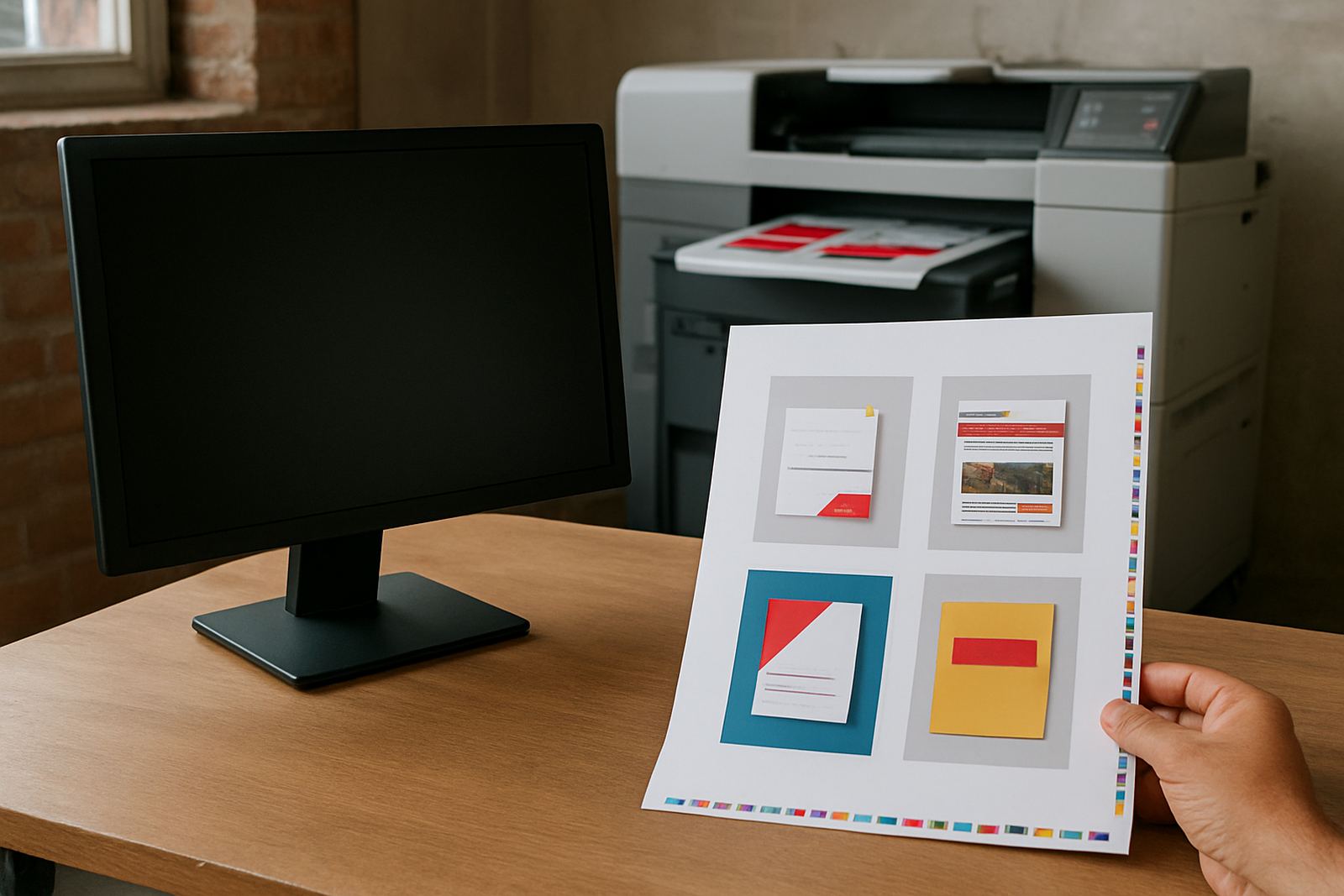
A monitor shows colour with light. A printed sheet shows colour with ink. That one difference changes everything. Bright reds, deep blues and sharp whites can look lively on a phone or laptop, then print a little softer or darker once they come off the machine. It is not a fault in most cases, it is simply the way light and ink behave.
At our Randfontein CBD base, we see this daily with business cards, flyers, posters and stickers for West Rand businesses. A design that looks clean in an office in Krugersdorp can still print differently if the screen is too bright, the artwork is saved in the wrong colour mode, or the paper stock absorbs ink in a different way. That is why a proper print conversation before production saves time and avoids wasted copies.
The three main reasons colour changes on printed work
There are a few common causes behind colour shifts. Most of them are technical, but the fix is practical once you know what to ask for.
- Screen brightness and calibration: Many screens are set brighter than they should be, so colour looks more vivid than the final print.
- RGB versus CMYK: Screens use red, green and blue light. Printers work with cyan, magenta, yellow and black ink. Some colours simply cannot be reproduced exactly.
- Paper and material choice: Gloss paper, matt paper, sticker vinyl and banner material all take ink differently. The same artwork can look richer on one stock and flatter on another.
- Lighting where the item is viewed: Office lights, daylight and shop floor lighting can all change how a colour appears once the job is finished.
Load-shedding also matters in a practical way. If artwork is approved on one laptop in a dim room and then printed after power returns, the client may notice a bigger difference than expected because the screen view was never a true colour reference to begin with.
What businesses in Randfontein usually notice first
Local firms usually spot the difference on marketing items with strong brand colours. A dark navy logo may come out slightly lighter. A bright orange flyer may print a touch duller. White text on a coloured background can also lose edge if the file is not set up correctly. These changes are small, but on a stack of 500 flyers or a run of business cards, small changes can affect how professional the piece looks.
In Westonaria and Mogale City, we often help with quick-turnaround digital printing where the client needs same-day work for a meeting, shop opening or local promotion. In those cases, the main goal is not perfect colour matching to a backlit screen. The goal is a clean, consistent print that reflects the brand well on the chosen paper or board. That is usually what matters most in real use.
One good rule is to judge printed colour under normal light, not under a phone torch or a bright shop window. A flyer that looks right at 9am in an office may look different by afternoon in a store with mixed lighting.
How to get colour closer before we print
You do not need to be a designer to reduce surprises. A few simple checks make a big difference before artwork is sent for print ready artwork or proofing updates.
- Use high quality images, not screenshots taken from a social media page.
- Keep logos and text in the correct file format so they stay sharp at print size.
- Ask for a proof if you are unsure about a full colour brand match.
- Tell us what the print will be used for, such as a roadside banner, menu layout or counter sticker.
- Choose the right stock for the job, since matt paper and gloss paper finish differently.
If you are printing business cards for a sales team in Roodepoort or stickers for a Mohlakeng promotion, it helps to send the final artwork early enough for a proper check. A small adjustment to the file can save a full reprint later. We also recommend checking spelling, crop marks and bleed before sign-off, because colour issues are not the only reason a job can miss the mark.
When a proof is worth the extra minute
For simple one colour jobs, a proof may not be needed every time. But for logo refreshes, brochures, menu layouts or artwork redraws, a proof is often the best way to avoid disappointment. It gives you a chance to review how the colours sit on the page, how the text reads, and whether the images need adjusting before the full print run starts.
Bianca Naidoo and the client services team often see this with first time customers who want a fast turnaround but still expect the job to match what they saw on their screen. A proof gives everyone the same reference point. It also helps if there are multiple decision makers, because each person can comment on the same version instead of comparing different views on different devices.
For rush work in a busy week, a proof can be the difference between a clean handover and a late correction. It is a small step, but it saves money when a mistake would mean reprinting a batch of 250 flyers or a full set of stickers.
What makes print colour reliable in everyday use
Consistency matters more than chasing a screen-perfect match. The practical aim is to keep colour close enough that your brand looks the same across cards, flyers, posters and banners. That is easier when the printer, designer and client work from the same file and the same brief.
At @Print, the team keeps the process steady across different jobs and towns. Lerato Ndlovu oversees production, Willem van Zyl handles press setup, Anele Dlamini prepares artwork, Kagiso Molefe manages finishing, and Megan Botha assists with sales and job planning. With Thabo Johannes Mokoena leading the business, the focus stays on usable results for Randfontein, Greenhills, Toekomsrus, Krugersdorp, Westonaria, Mogale City and Roodepoort.
- Same artwork should be used across all formats where possible.
- Fonts, logos and colour codes should stay fixed from one job to the next.
- Stock choice should match the purpose of the print item.
- Artwork should be checked for bleed, margins and image quality before approval.
Coastal humidity is not the issue here, but dust, warm offices and power interruptions can still affect how files are viewed and prepared. Good file handling and proper checks keep the print result dependable, even when the day is busy.
},{