
Start With the Basics on the Proof
Begin by checking the name of the job, the product type and the version number if there is one. A flyer proof should be for a flyer, not a poster, and the size must match what you ordered. If you are printing for a Randfontein promotion, a Westonaria event or a Roodepoort special, make sure the correct area, branch name or contact detail appears where it should. Small errors at this stage become costly once the job is on press.
Read every line slowly, even if it is only a short card or sticker layout. Look at trading names, addresses, telephone numbers, opening hours and social media handles. If your business serves clients across Krugersdorp, Mogale City and the West Rand, check that the wording is still current and that no old number or outdated service list has slipped in. One missed digit can mean reprints and lost enquiries.
- Check the business name exactly as it must appear
- Confirm the correct product, size and quantity
- Review all contact details and service areas
- Look for spelling mistakes in names, suburbs and street names
Confirm Size, Bleed and Safe Area
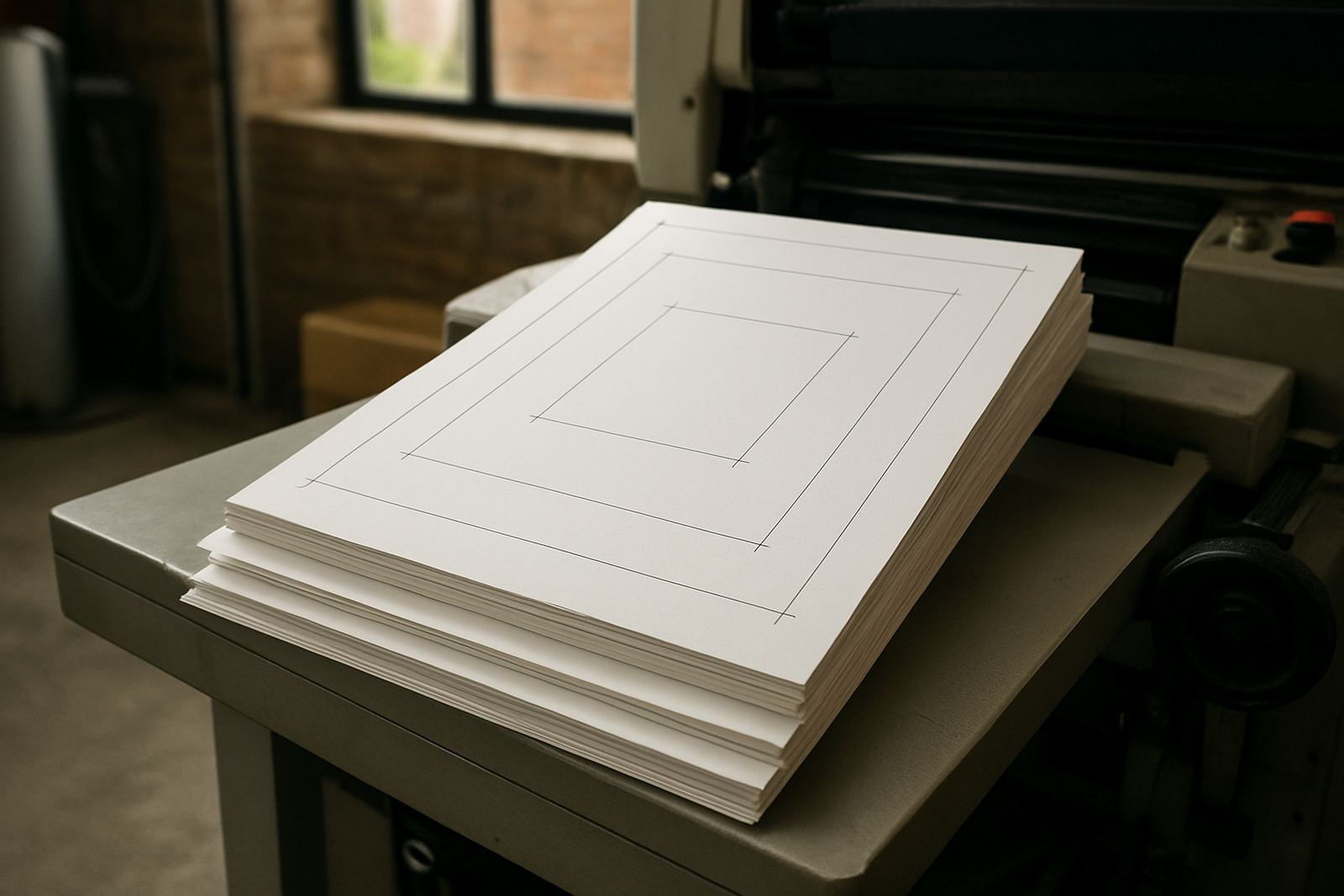
Size matters because a print file that is too small or too large can throw off the final result. Ask for the proof size in millimetres, then compare it to the finished size you expect. If the artwork has bleeds, trim marks or fold lines, check that they are placed correctly and that important text does not sit too close to the edge. For banners and posters, this is especially important where the item will be cut to fit frames, walls or cable ties.
Safe area is the space where text and key images should stay clear of trimming. In practical terms, keep important content a little in from the edge so nothing is clipped during finishing. This is useful for business cards, menus, brochures and stickers, especially when there are rounded corners or heavy trimming. A neat proof saves time later and helps the finished item look clean, not rushed.
- Confirm finished size in millimetres or metres
- Check bleed around all outer edges
- Make sure trim marks are accurate
- Keep key text and logos inside the safe area
Check Colour, Images and Readability
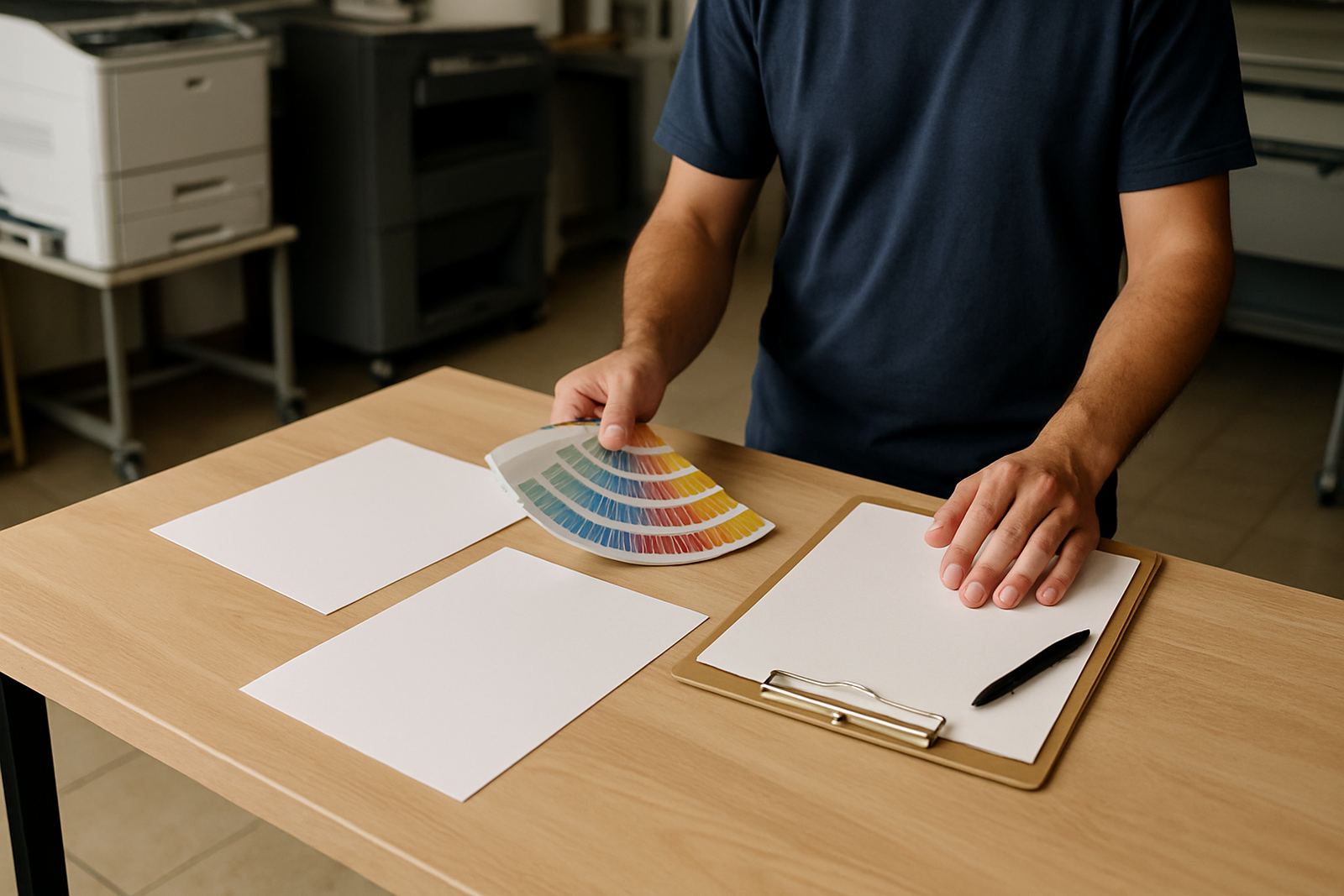
Colour on screen is not the same as colour on paper, so use the proof to check the general look rather than expecting a monitor match. Dark backgrounds can print heavier than expected, and pale text can become hard to read on smaller items. If your artwork uses a strong company colour, check that it still looks consistent across the whole layout. This matters on flyers, posters and menu layouts where colour carries the first impression.
Images should be clear enough for print and not fuzzy when enlarged. If you are using product photos, team pictures or logo redraws, look closely at the edges and shadows. For stickers and banners, read the smallest text at arm’s length. If you cannot read it easily on the proof, your customer may struggle too. Coastal humidity in places near the West Rand does not affect the proof itself, but it can matter for the final material choice, so ask if the product will be used indoors or outdoors.
- Check whether colours are too dark, too pale or too flat
- Zoom in on logos and photos for sharpness
- Read small text from a normal viewing distance
- Confirm that any QR code or barcode scans properly
Review Wording, Layout and Brand Details
Once the basics look right, move through the wording line by line. This is where proofing catches the small things that are easy to miss during a busy week in the CBD or on the road between Randfontein and Krugersdorp. Check punctuation, capital letters, product descriptions and any promotional wording. If a price is shown, confirm the Rand amount, the wording around the offer and whether terms and conditions are included. A missing price or an unclear special can lead to complaints later.
Brand details should stay consistent across every item. That includes logo size, spacing, font choice, icon use and the way the company name is written. If the artwork includes a slogan, a tagline or a shortened service list, make sure it reflects how you want your business presented on the street, in a store window or at an event. This is one of those steps that seems small but saves you from expensive corrections.
- Read all text slowly and out loud if needed
- Check pricing, dates and terms carefully
- Keep logo placement and spacing consistent
- Confirm that spellings, accents and capital letters are correct
Look at Finishing Choices Before You Sign Off
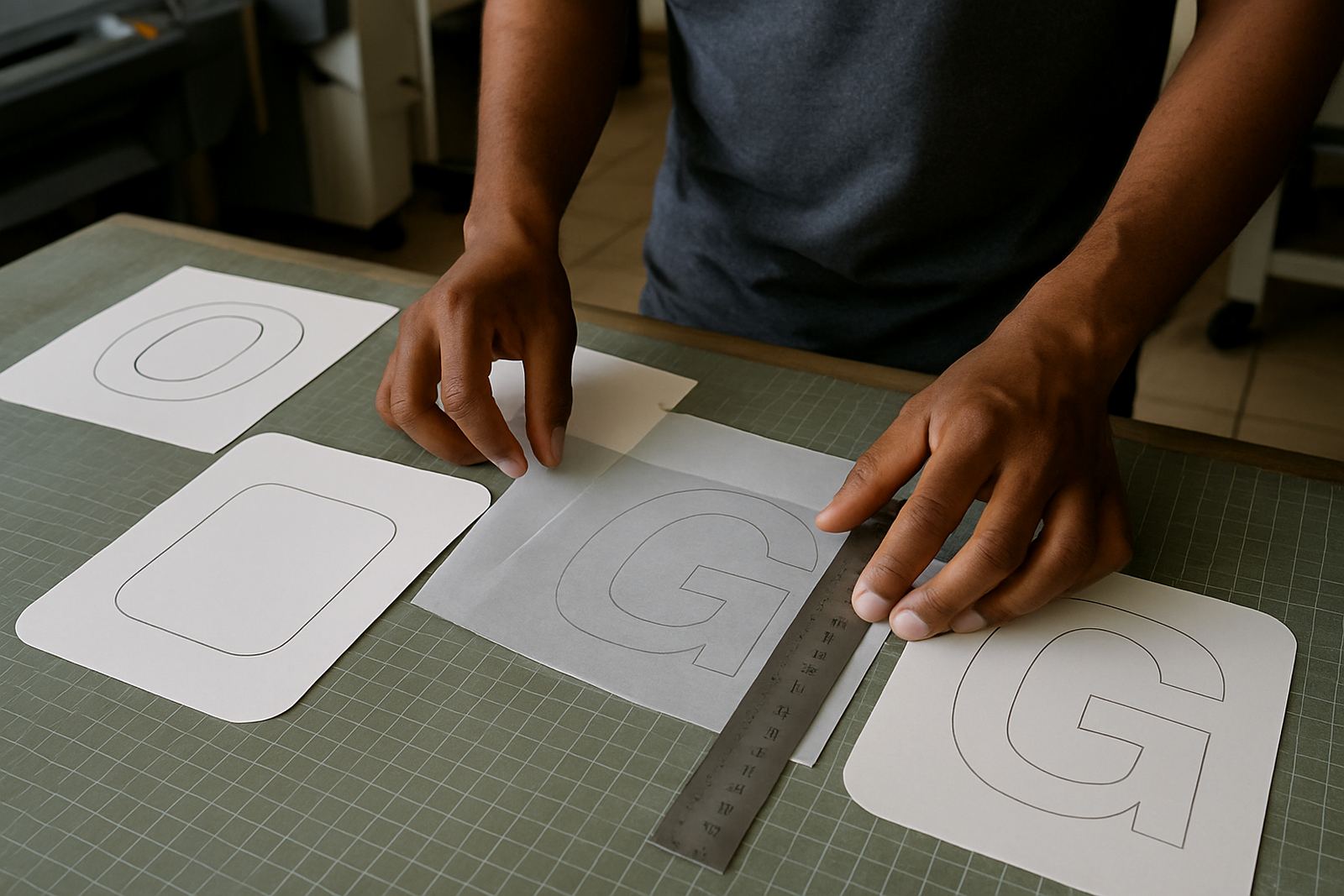
Printing is only part of the job. Finishing can change how the final item looks and feels, so the proof should match the finish you want. Check whether the job will be cut, folded, creased, drilled, laminated or supplied loose. A brochure layout may need fold positions checked, while a banner artwork may need eyelet spacing or hem allowance. If the proof does not show the finish clearly, ask for clarity before approval.
For businesses in areas like Toekomsrus, Mohlakeng and Greenhills, the right finish also depends on where the item will be used. Outdoor signage needs different thinking from counter cards or event flyers. If the proof includes special instructions, such as numbering, perforation or repeated sticker panels, confirm the order of the panels and the quantity per sheet. Getting this right helps the production team keep the job moving without delays.
- Check folding lines, cut lines and drill positions
- Confirm lamination, binding or mounting if required
- Review any numbering, perforation or repeated labels
- Make sure outdoor use is noted where relevant
Approve Only When the Whole Team Is Happy
Before you say yes, decide who must approve the proof inside your business. One person may check the wording, while another checks the prices or the artwork style. If more than one decision maker is involved, send the proof to everyone first and collect all comments together. That avoids back and forth and helps keep your print turn-around quick. For West Rand companies working on tight launch dates, this step can make the difference between same-day printing and a missed deadline.
Once approval is given, the file normally moves into production as confirmed. At that point, changes can mean extra cost or a delay, so only approve when you are satisfied. If something still feels uncertain, ask for one last adjustment before the final sign off. The best proof approval is calm, clear and complete, even if it means taking ten extra minutes to double check a detail.
- Make sure every decision maker has reviewed the proof
- Collect all comments before sending changes
- Approve only when sizes, wording and finishes are correct
- Ask for clarification before giving final sign off