
Standard business card size used for print
The common business card size in South Africa is 90 mm x 50 mm. That is the finished size after trimming, so your artwork must be built slightly bigger to allow for bleed. For most jobs, this size gives enough space for a name, title, contact details, logo and a small line or two without looking cramped.
If your card needs a fold, special corners or a thicker stock for a premium finish, tell us before final artwork is approved. A standard flat card is the quickest option for same-day digital print jobs in Randfontein, Krugersdorp, Westonaria, Mogale City and Roodepoort.
Bleed, trim and safe area explained
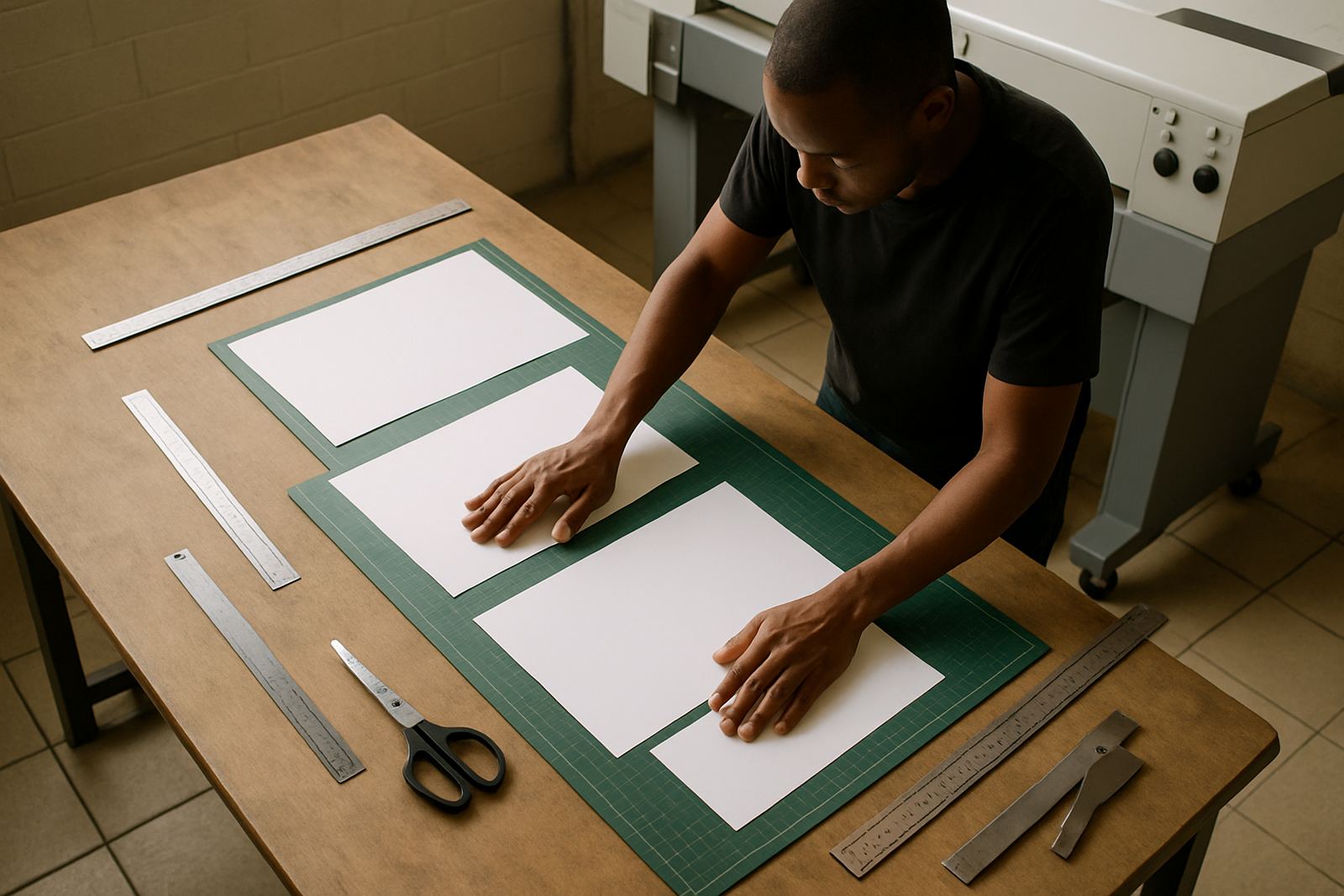
Bleed is the extra image area that extends past the final cut size. It helps avoid white edges if the guillotene cuts a fraction off centre. For business cards, add 3 mm bleed on all sides, which means the full artwork size should be 96 mm x 56 mm when the final card is 90 mm x 50 mm.
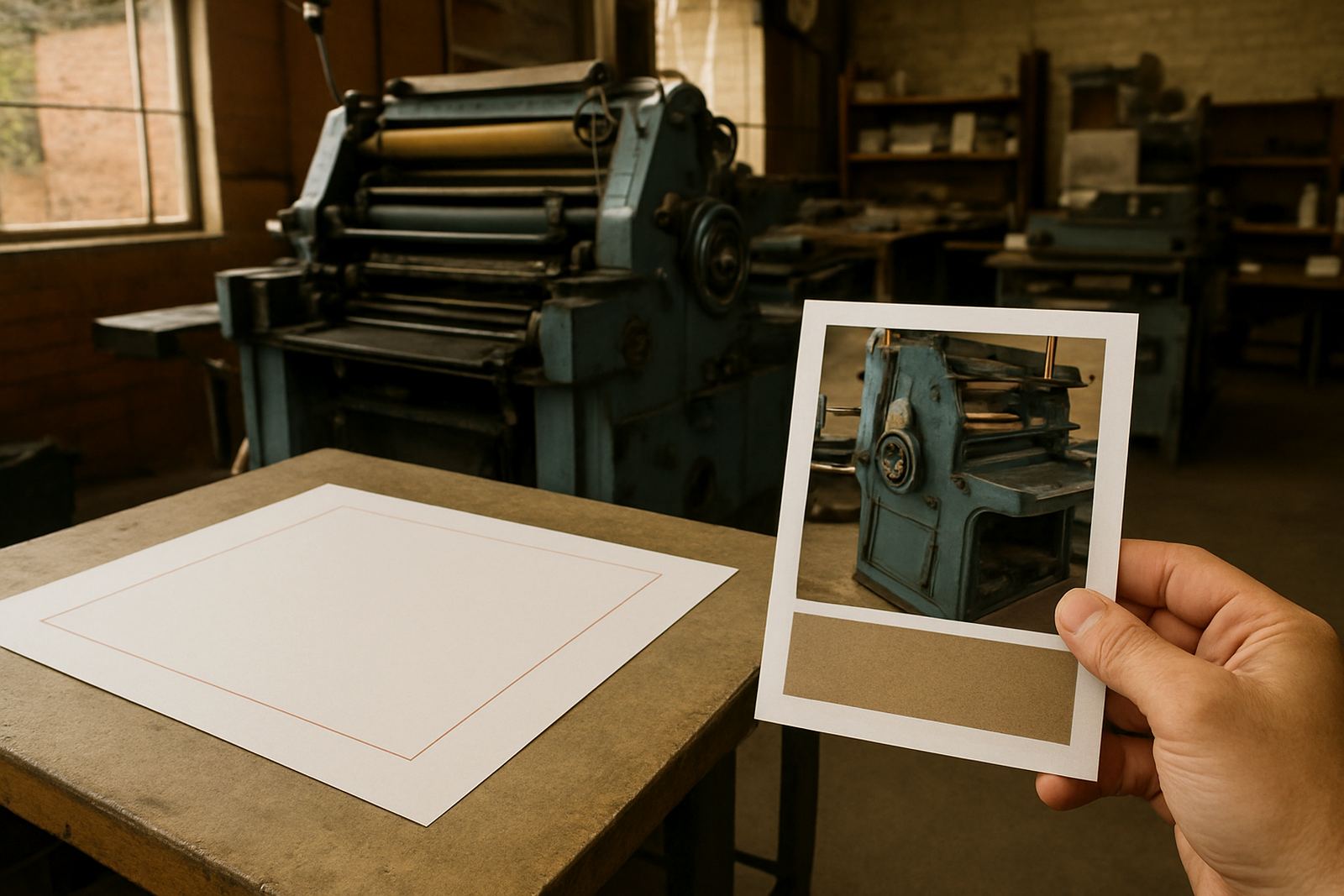
Safe area is the part inside the cut line where text and important details should stay. Keep all names, numbers, logos and QR codes at least 3 mm inside the trim line. If you place text too close to the edge, it can be clipped or look uneven after cutting.
- Finished size: 90 mm x 50 mm
- Bleed: 3 mm on every side
- Artwork size with bleed: 96 mm x 56 mm
- Safe area: keep key content 3 mm inside trim
What to include on a card that must work hard
A business card should carry only the details people need most. Start with the name, role, company name and one primary contact number. Add an email address, website or physical address only if the space still reads clearly. If you handle deliveries, site visits or trade work, a suburb or service area can help the card do more work for you.
For West Rand businesses, cards are often handed out at meetings, on job sites, in shops and at local networking events, so clarity matters more than fancy effects. Keep the layout simple and readable under office lighting, daylight and even when someone is standing in a parking lot after a long day.
- Name and surname
- Job title or service role
- Company name
- One or two contact details
- Logo or mark
- Service area or location if needed
Artwork setup steps before you send a file
Before sending artwork for print, set the page size to the full bleed size, not the finished card size. Use a high-resolution file, place any background colour or image all the way to the edge and keep text inside the safe area. If your artwork contains photos, use sharp images only, not pictures pulled from social media or WhatsApp.
Save the file in a print-friendly format and make sure all fonts are readable. If you are not sure whether the file is print ready, send it for proofing before the print run starts. That small check can save time and reprints, especially when a rush job is needed before a meeting or exhibition.
- Set artwork to 96 mm x 56 mm for bleed
- Use clear, high-resolution images
- Keep text inside the safe area
- Check spelling, numbers and job titles
- Confirm the correct phone number and message
Colour, paper and finish choices that affect the final look
Cards can print on different stocks and finishes depending on the look you want. A smooth matt card gives a clean business feel, while a gloss finish can make colours pop a bit more. Dark backgrounds need careful setup because fine white text may show differently once printed. If your logo uses very pale tones or fine lines, it is better to test the layout first.
In humid coastal areas card stock can react differently to storage, but in Gauteng the bigger issue is often heat, dust and handling on site. Keep finished cards flat and dry, and do not leave them in a vehicle for long periods. That helps the edges stay neat and the stock does not curl.
Checklist for clean print-ready business card files
Use this checklist before you place your order. It covers the common mistakes we see when business cards are rushed, copied from old files or resized without checking the bleed. A quick review now is easier than correcting 500 cards after print.
- Card size is 90 mm x 50 mm finished
- Bleed added to all sides
- Safe area kept clear
- Text is readable at small size
- Spelling checked, including names and titles
- Colours look right on screen and in print
- Logo is crisp and not stretched
- Contact details are current
For businesses in Randfontein CBD, Greenhills, Toekomsrus and Mohlakeng, we can help with artwork redraws, proofing updates and print ready artwork if your current file needs a proper clean-up before production.
When to ask for help with artwork changes
Ask for help if the file was made years ago, if the logo is blurry, or if the card has too much information to fit neatly. We also see problems where the bleed was missed, the font size is too small, or a QR code sits too close to the edge. Those issues are easy to miss on screen but show up in print.
Our Randfontein CBD base supports quick-turnaround digital printing for West Rand businesses, and our team handles layout checks with care. Lerato Ndlovu oversees production, Willem van Zyl handles print output, Anele Dlamini manages design, Bianca Naidoo leads client services, Kagiso Molefe checks finishing, and Megan Botha supports sales and job coordination. If your card needs a logo refresh or a simple layout correction, send the details through the enquiry form and we can advise on the next step.